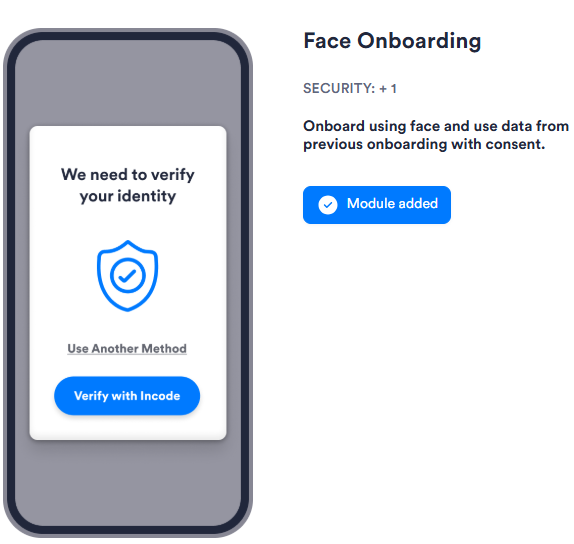
The Face Onboarding module allows a user to begin or resume Onboarding using face recognition, reusing their data from a previous Session with their consent. This reduces friction for returning users.
For an overview of this module and how it works, see Face Onboarding.
Supported with:
❌ Workflows | ✅ Flows
Add Face Onboarding to Flows
- In Dashboard, find Build & Verify in the left menu. Select Flow Builder > Flows.
- Click New or select an existing Flow.
- On the Select Modules tab, find the Face Onboarding module and click Add.
Configuration Options
Face Onboarding has no configurable settings.