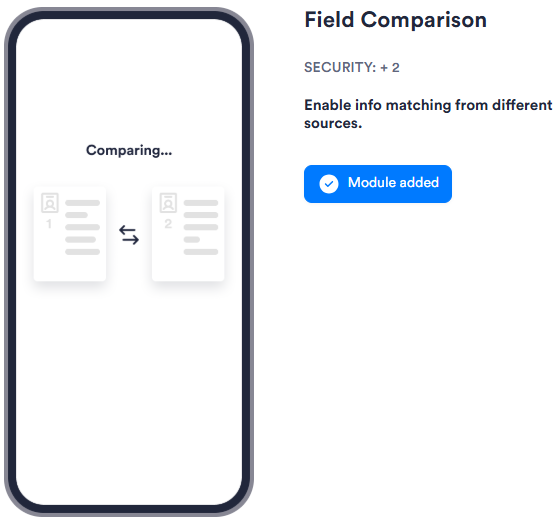
The Field Comparison module compares fields from different sources, such as OCR data extracted from an ID and information entered by the user, to verify they match. It supports branching, so you can route users down separate paths depending on whether the comparison passes or fails.
For an overview of this module and how it works, see Field Comparison.
Supported with:
❌ Workflows | ✅ Flows
Add Field Comparison to Flows
- In Dashboard, find Build & Verify in the left menu. Select Flow Builder > Flows.
- Click New or select an existing Flow.
- On the Select Modules tab, find the Field Comparison module and click Add.
- You can click Details & Configurations to open the Configuration Options panel and adjust settings as needed.
Configuration Options
Field Comparison has no configurable settings.