The Government Record Verification module includes complete Figma specifications documenting spacing, layout rules, typography tokens, and language variants. These specs ensure consistency across platforms and allow localized versions of the UI to scale without breaking the layout.
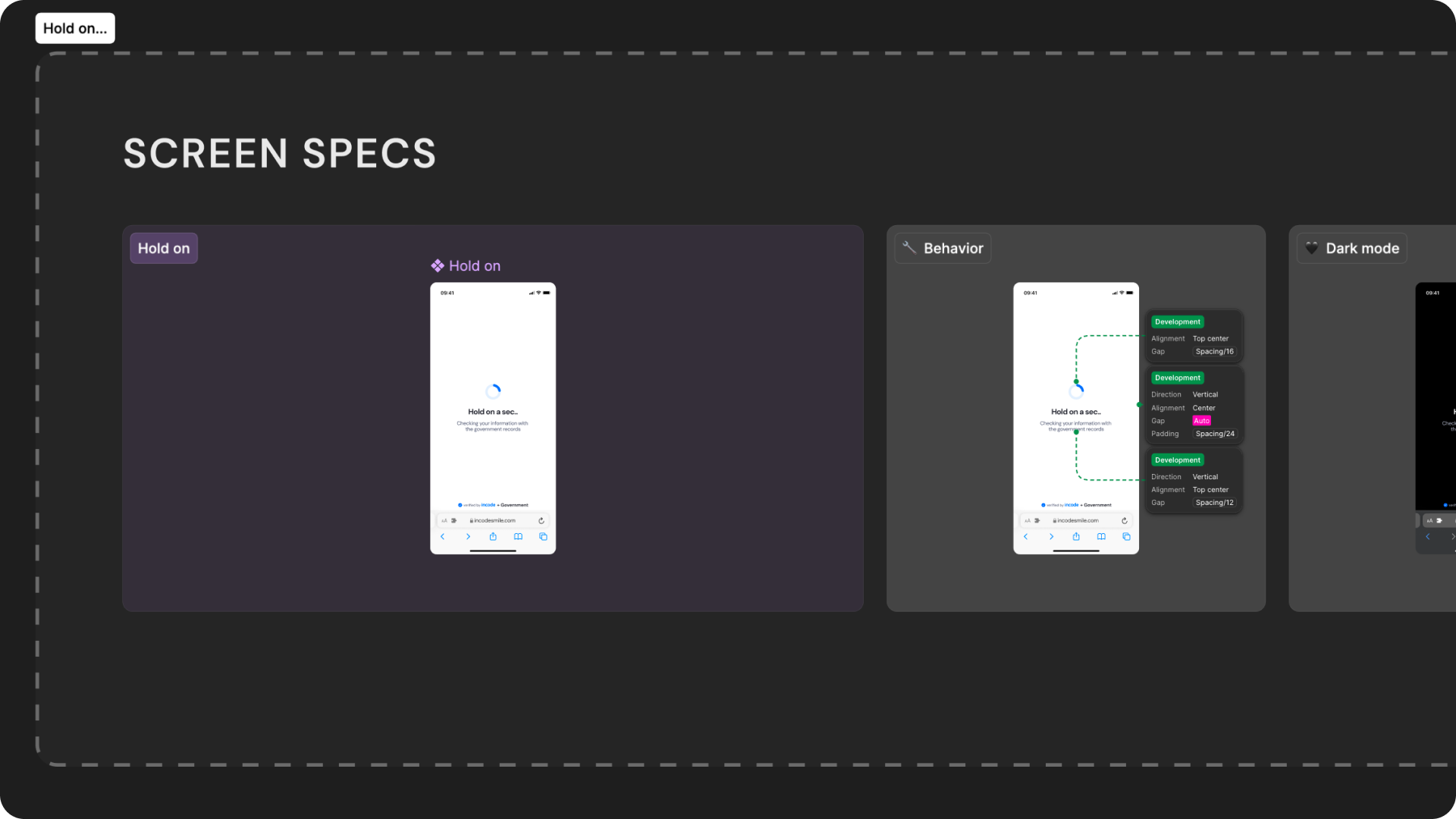
Open Screens Specs in Figma
Responsiveness & Viewport Adaptation
The Government Record Verification module is fully responsive and adapts seamlessly to a wide range of device sizes and aspect ratios. The layout is designed to remain consistent and predictable whether the user is on a small phone, large phone, foldable device, or tablet.
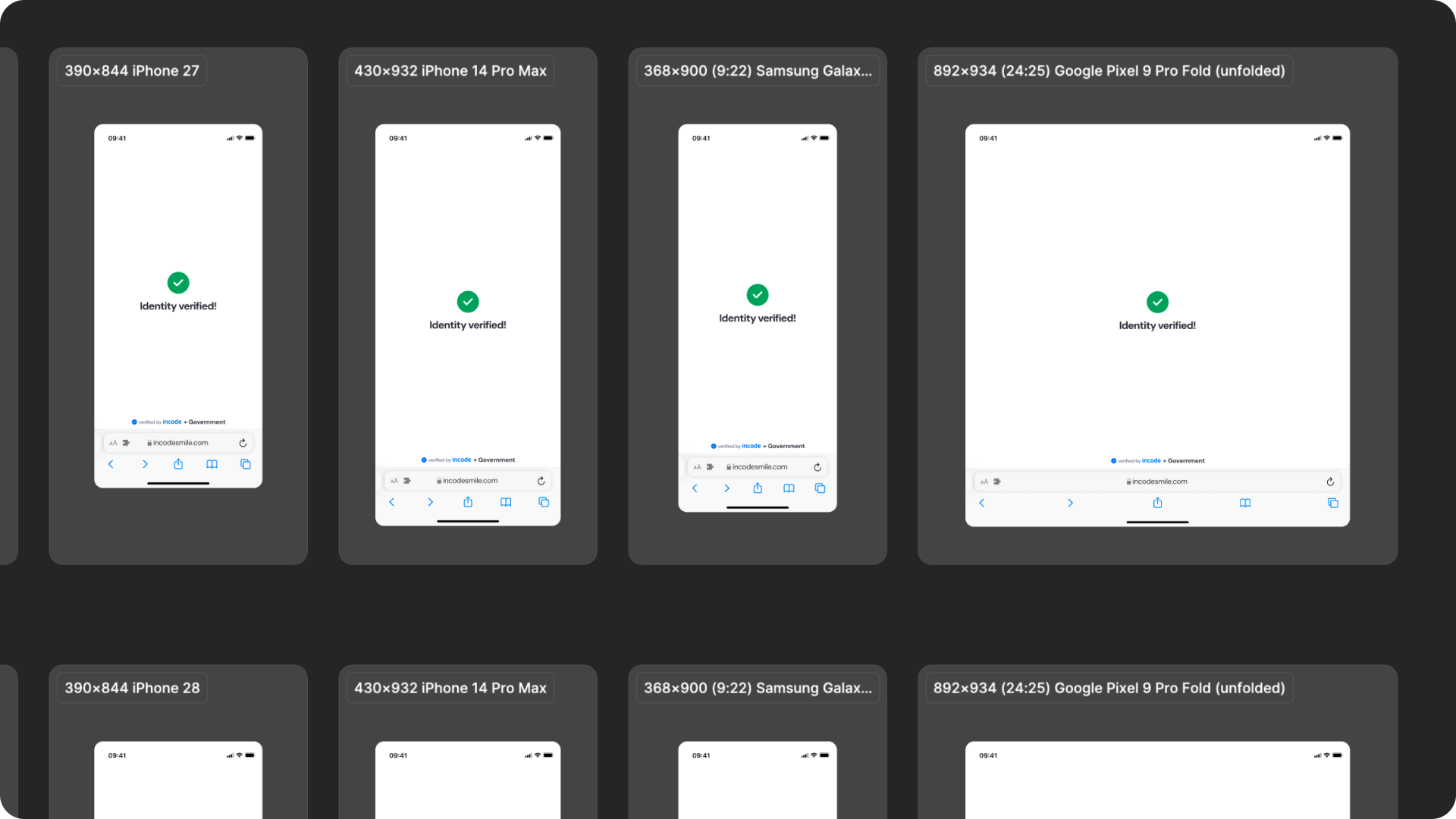
How the layout adapts across devices
| Breakpoint | Behavior |
|---|---|
| Small phones (e.g., iPhone SE) | UI elements adjust vertically; spinner and text scale down to maintain visibility. |
| Standard phones (iPhone 12–16) | Full layout shown; spacing and hierarchy remain consistent. |
| Tall/narrow Android devices | Vertical spacing is redistributed; spinner and text remain centered. |
| Foldables (e.g., Pixel Fold) | Larger centered layout with more balanced white space. |
| Tablets | Increased layout margins; spinner and status content scale proportionally. |
| Desktop web | Centered layout with controlled max-width; additional safe area padding. |
What is responsive (and customizable)
| Element | Responsive Behavior | Customizable |
|---|---|---|
| Spinner | Remains centered in the layout | Color only |
| Title text | Remains centered and adapts to container width | Yes, text is fully localizable |
| Subtitle text | Wraps gracefully for longer translations | Yes, text is fully localizable |
| Status icon | Remains centered and maintains distance to text | Color & style |
| Footer / watermark | Pinned to bottom safe area | Optional |
| Background surfaces | Expand to full viewport | Yes |
| Header area | Scales padding according to device safe insets | Limited (color only) |
What remains fixed across breakpoints
| Element | Reason |
|---|---|
| Verification logic | Must remain consistent for accurate government record comparison. |
| Processing flow timing | Linked to backend processing; cannot be shortened or skipped. |
| Status icon placement | Ensures clarity and recognition at all sizes. |
| Minimum text size | Required for readability & WCAG compliance. |
| Minimum tap target sizes | Ensures accessibility on mobile. |
| Overall hierarchy | Prevents cognitive load at different sizes. |
Design Notes
- The spinner and status icon always remain the dominant visual elements, regardless of screen size.
- Horizontal spacing is fluid; vertical spacing uses fixed-safe thresholds.
- Avoid adding custom UI above or below the module — it may break alignment.
- Multiline text is handled gracefully, but keep localized strings concise for the loading and result states.
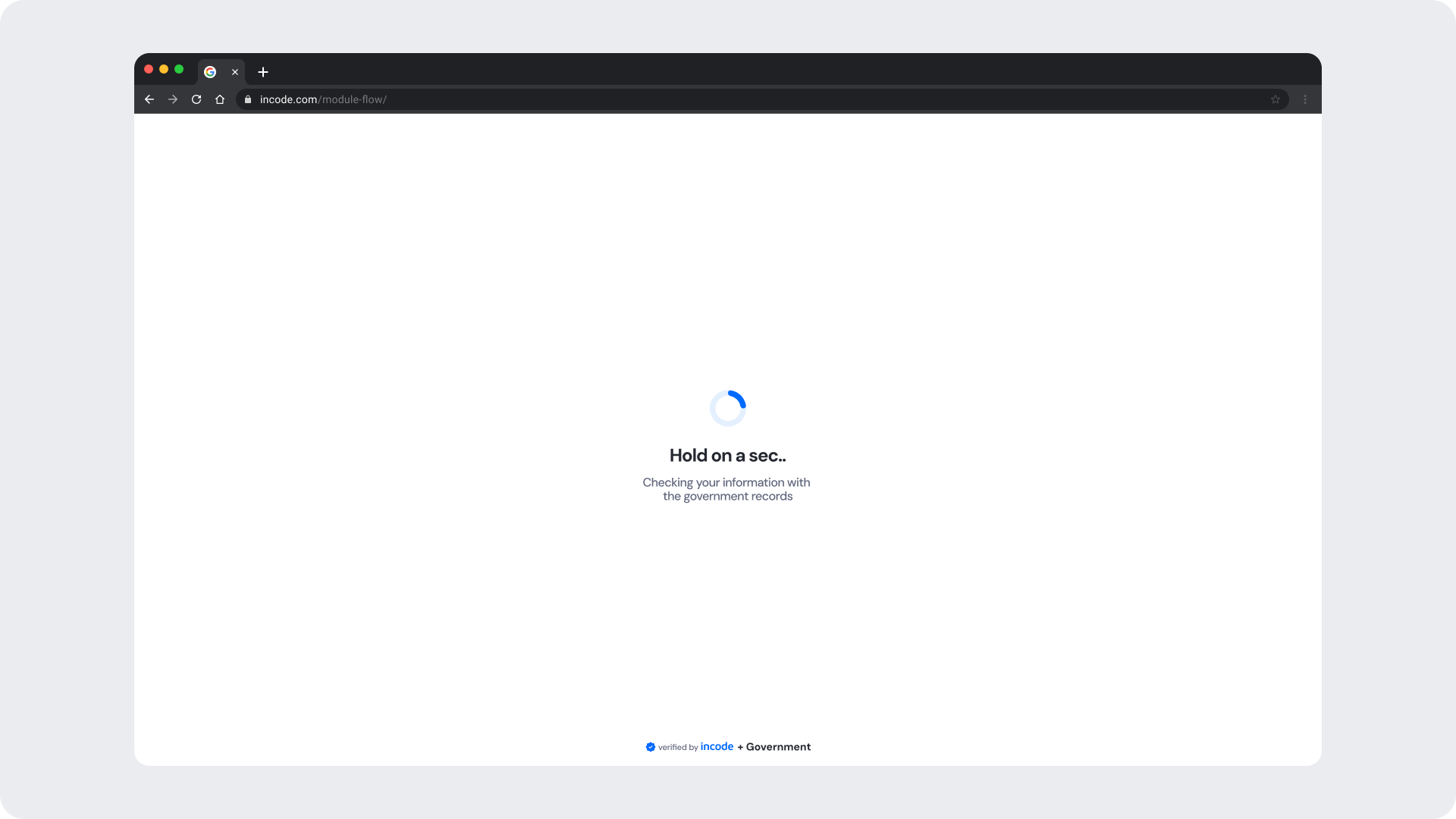
Desktop & Tablet Guidelines
The module is fully responsive and adapts gracefully to larger viewports. The Figma file includes guidelines for layout adjustments, safe areas, proportion scaling, and interaction differences between touch and pointer-based devices.
Prototype & Transitions
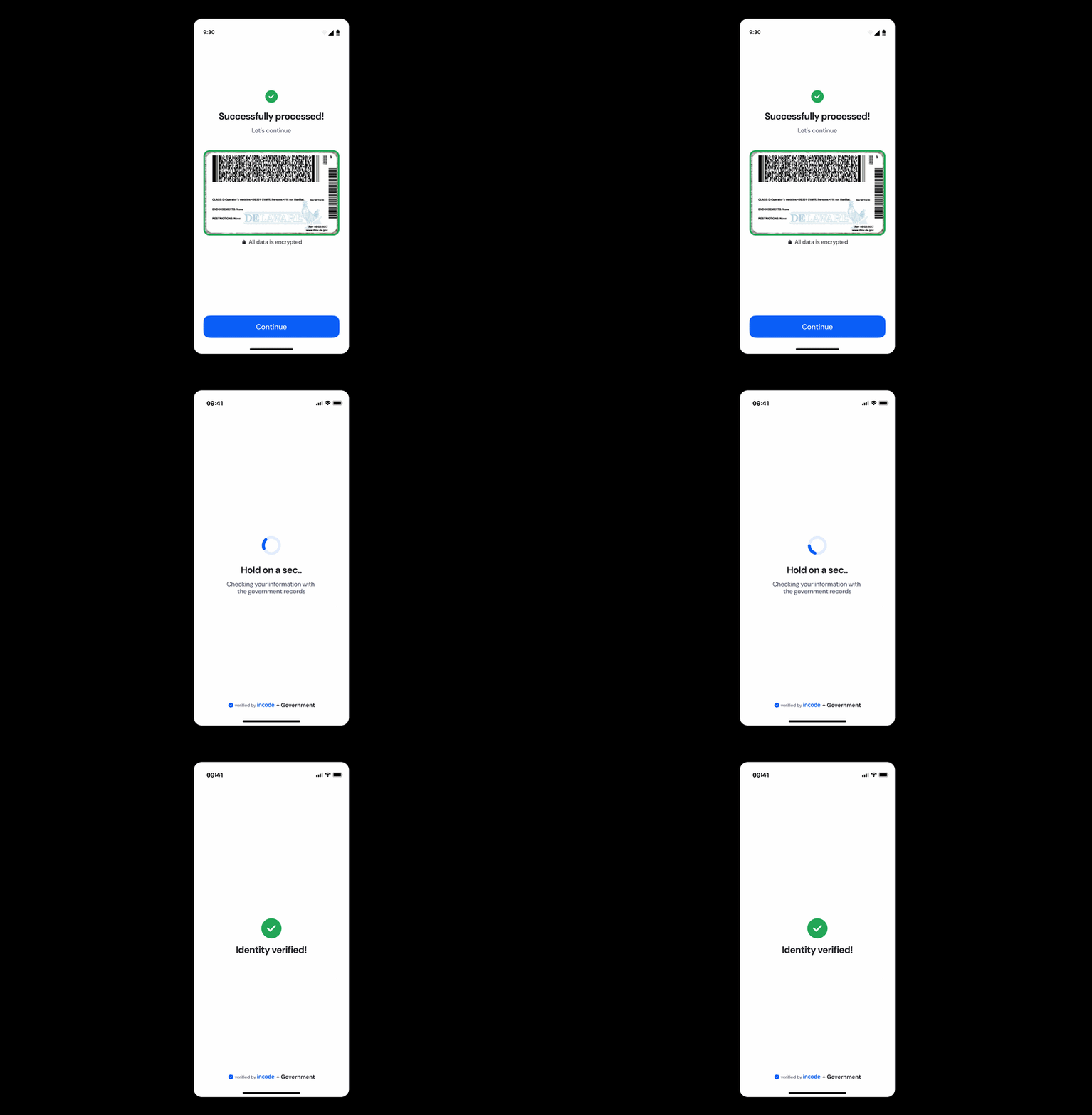
Government Record Verification includes predefined transition rules and micro-interactions that ensure a smooth user experience from the verification loading state through to the success and error outcomes. Timing, easing, and animation guidelines are documented directly in Figma prototypes.
Localization
The Government Record Verification module supports full localization and is designed to adapt to languages with different lengths, line breaks, and reading patterns. The Figma file includes examples for long, short, and multi-line translations to ensure layouts remain stable across regions.
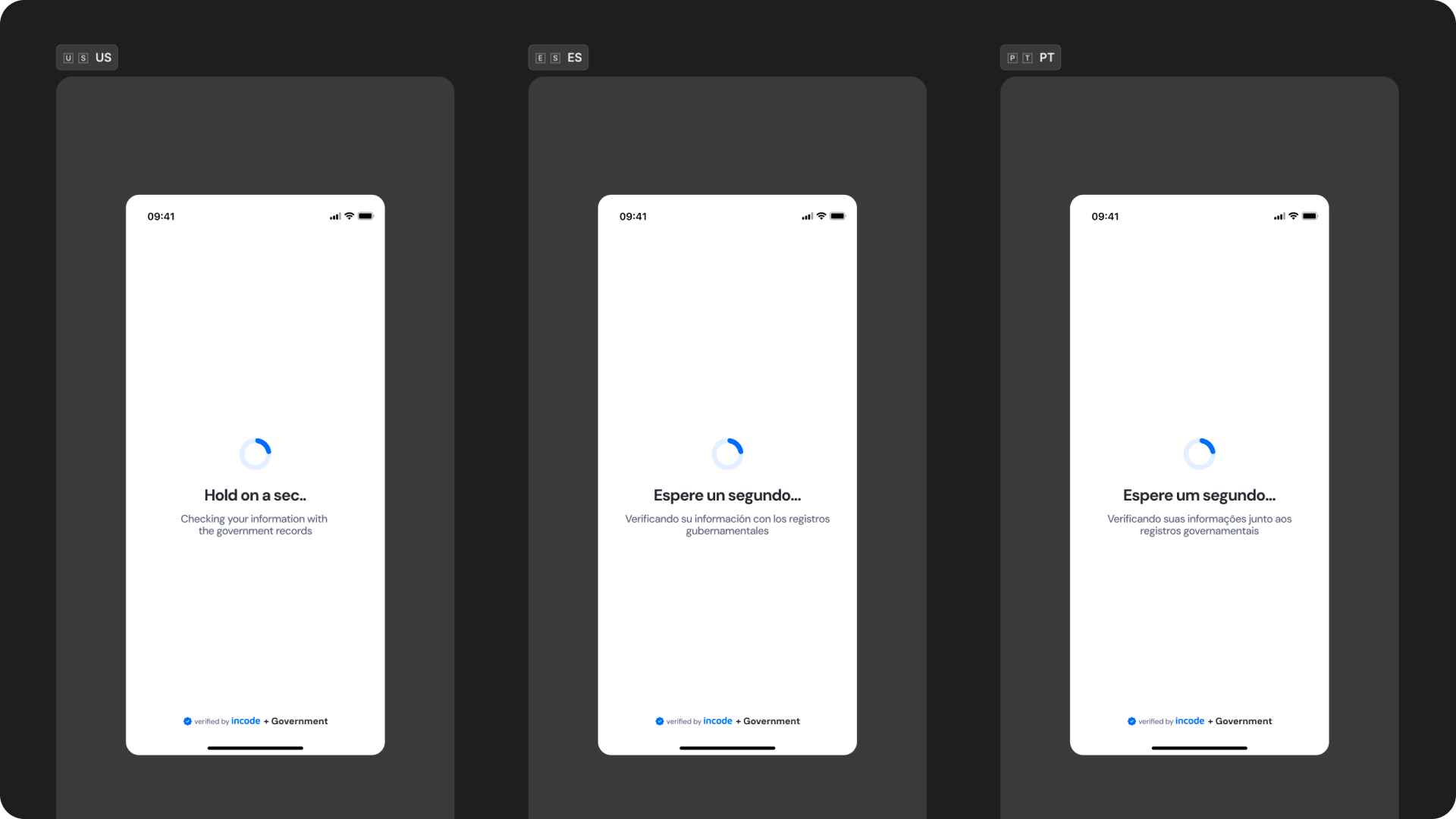
Key considerations:
- All user-facing text is fully localizable, including the loading message, subtitle, success message, and error message.
- UI adjusts to prevent truncation and maintain readability.
- Spacing and vertical rhythm adapt to accommodate longer languages.
- The subtitle referencing government records should be localized carefully to preserve legal and regulatory clarity in each supported region.
- Ensure localized strings preserve clarity and follow regulatory requirements when applicable.
- Incode supports a variety of languages.