# Geolocation
The Geolocation module requests location permission, then captures the precise physical location of the user's device, using its GPS sensor to record coordinates and location fields such as country, state, and city. Use this module to:
- Identify Sessions where the device location differs significantly from the location implied by the user's IP address or identity document
- Detect potential VPN or proxy use
> **Note:** IP-based location is captured automatically for every session as part of device info, even if the Geolocation module isn't in your Flow or Workflow. If you only need country- or region-level location information, you may not need this module.
## Integrations
:white_check_mark: Web | :white_check_mark: iOS | :white_check_mark: Android
## How It Works
When the Geolocation module runs, it asks the user to allow location access on their device. If the user allows it, the module records the device's GPS coordinates and location fields such as country, region, city, and postal code. If the user denies or skips the step, no GPS location is captured. IP-based location is still available through device info. Precise location data can drive Workflow [conditions](https://developer.incode.com/docs/configure-workflow-conditions) to route users, block access, or send sessions to manual review.
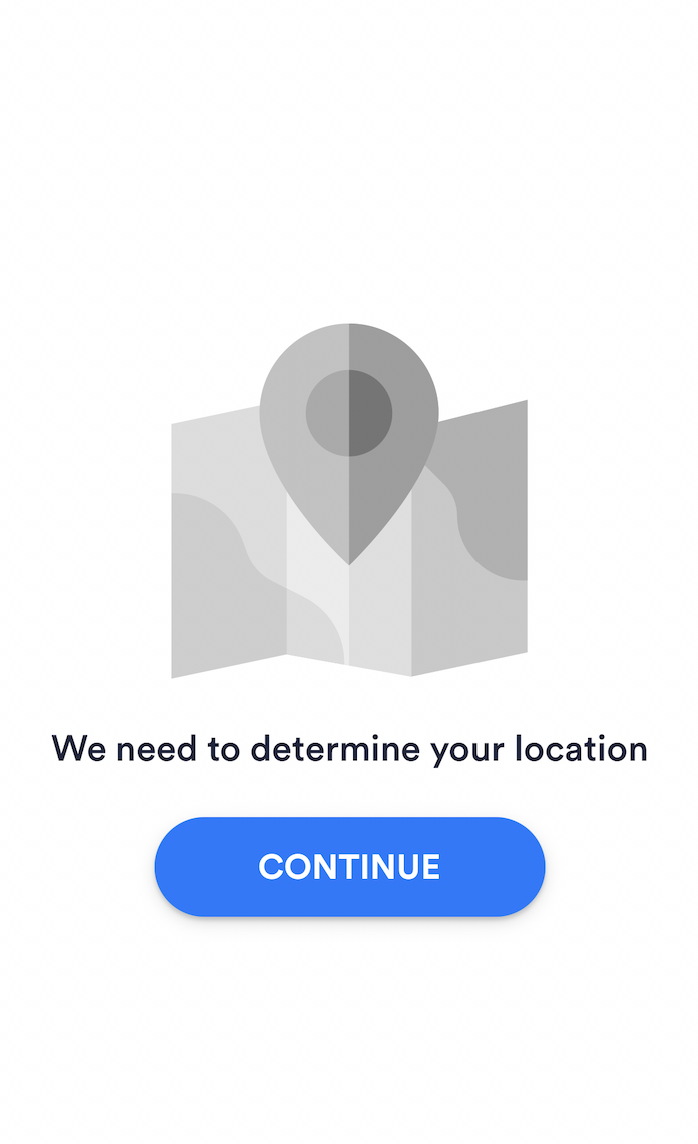
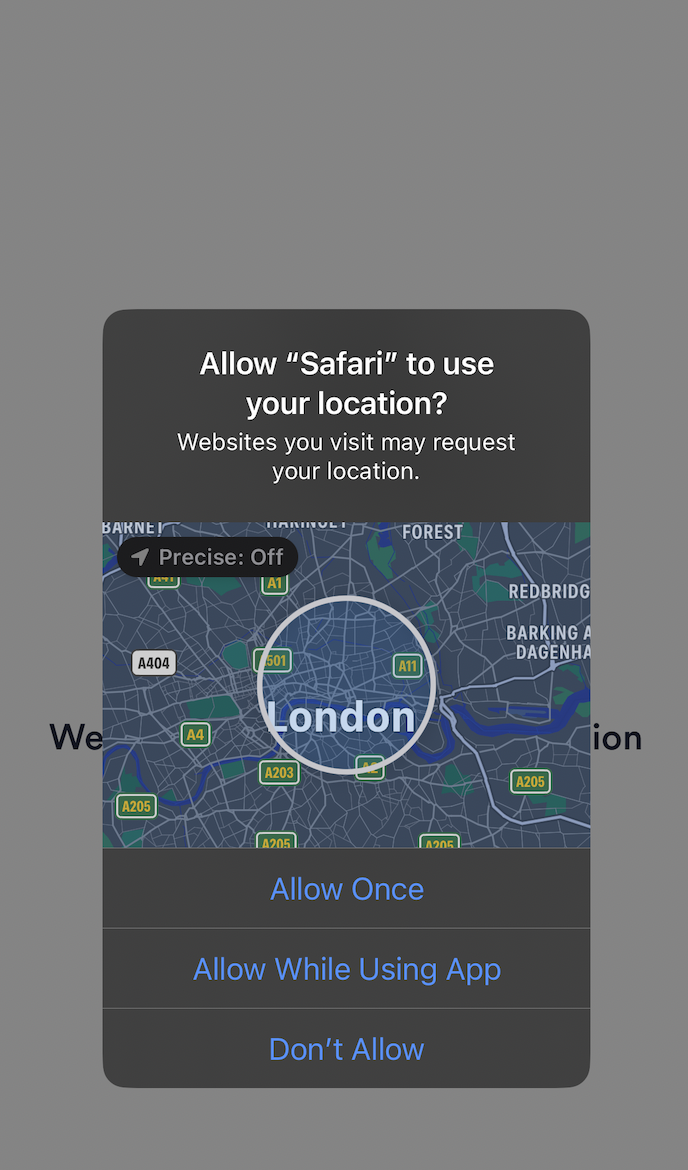
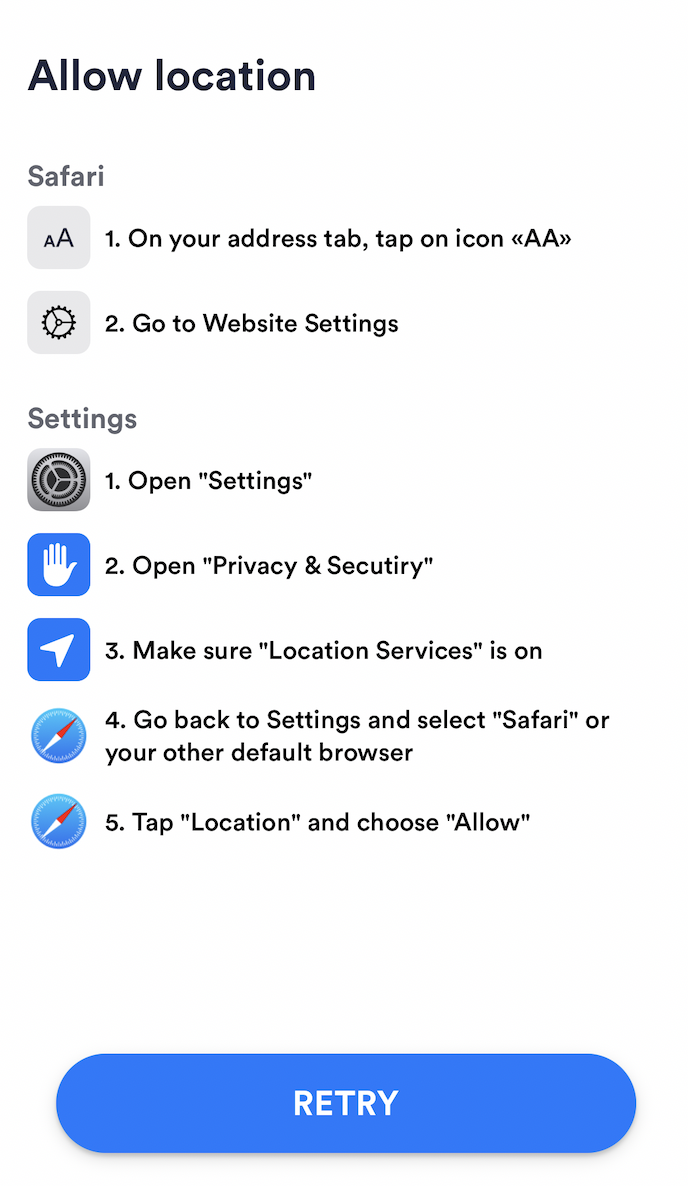
Location data is stored in the Session. You can review it on the [Other tab in single Session view](https://developer.incode.com/docs/single-session-view#other) and retrieve it via the [Fetch Device Info](https://developer.incode.com/reference/getdeviceinfo_1) API.
Geolocation extracts the following data. Each confidence level indicates how reliable that data is for driving Workflow conditions and compliance decisions. For routing and access decisions, use conditions based on data with high confidence levels.
| Data | Description | Confidence Level |
| ----------------------------------------------- | ------------------------------------------------------------------ | ---------------- |
| Latitude | North-south coordinate | High |
| Longitude | East-west coordinate | High |
| Admin Area | Primary administrative division: for example, state or province | High |
| Sub Admin Area | Secondary administrative division: for example, county | High |
| Locality | City or town | High |
| Country Code | ISO 3166-1 alpha-3 country code | High |
| Country Name | Full name of the country | High |
| Device Location | Address or place where the device is located | Medium |
| Device Location vs IP Address Location Distance | Distance between the device's GPS location and IP address location | Medium |
| Sub Locality | Smaller area within the locality: for example, neighborhood | Medium |
| Thoroughfare | Street or road name | Medium |
| Postal Code | Postal or ZIP code | Medium |
| Sub Thoroughfare | Specific address number or additional street information | Low |
## Use Geolocation
For instructions on implementing and configuring Geolocation on each supported platform, use the following pages:
- [Geolocation (Dashboard)](https://developer.incode.com/docs/geolocation-dashboard)
- [Geolocation (iOS)](https://developer.incode.com/docs/geolocation-ios)
- [Geolocation (Android)](https://developer.incode.com/docs/geolocation-android)
- [Geolocation (Web SDK)](https://developer.incode.com/docs/geolocation-web-sdk)