This section provides a complete overview of all possible user-facing states within the Certificate Issuance
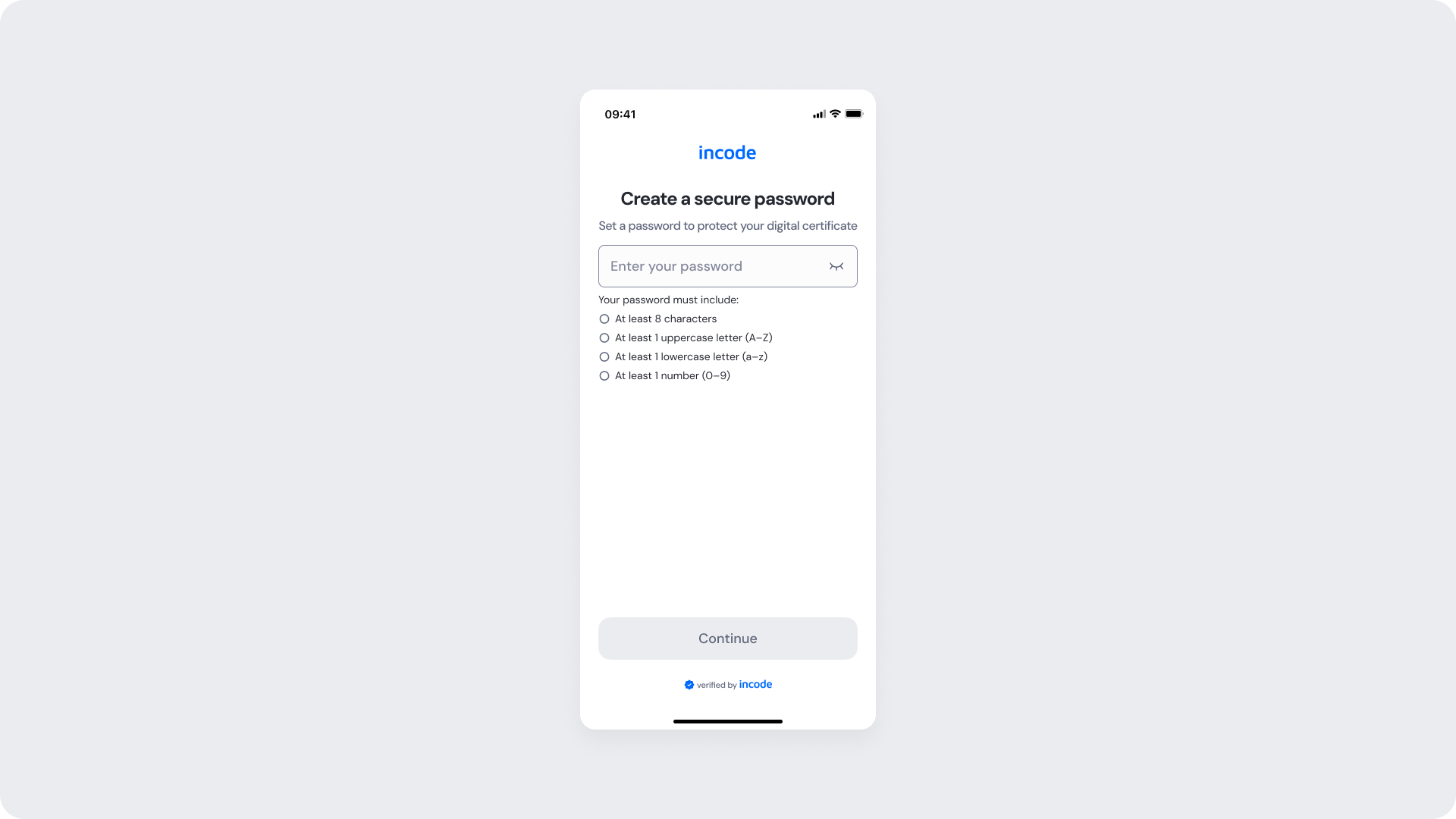
Create a password - Empty
The initial state displays the password creation screen where users create and confirm their password before continuing with the Certificate Issuance process. Password requirements and validation guidance are provided to help users create a secure password and successfully proceed to the next step.
Create a password - Filled
The filled state displays the completed password creation form after the user has entered and confirmed their password. All required fields have been completed successfully, enabling the user to proceed to the Certificate Issuance process.

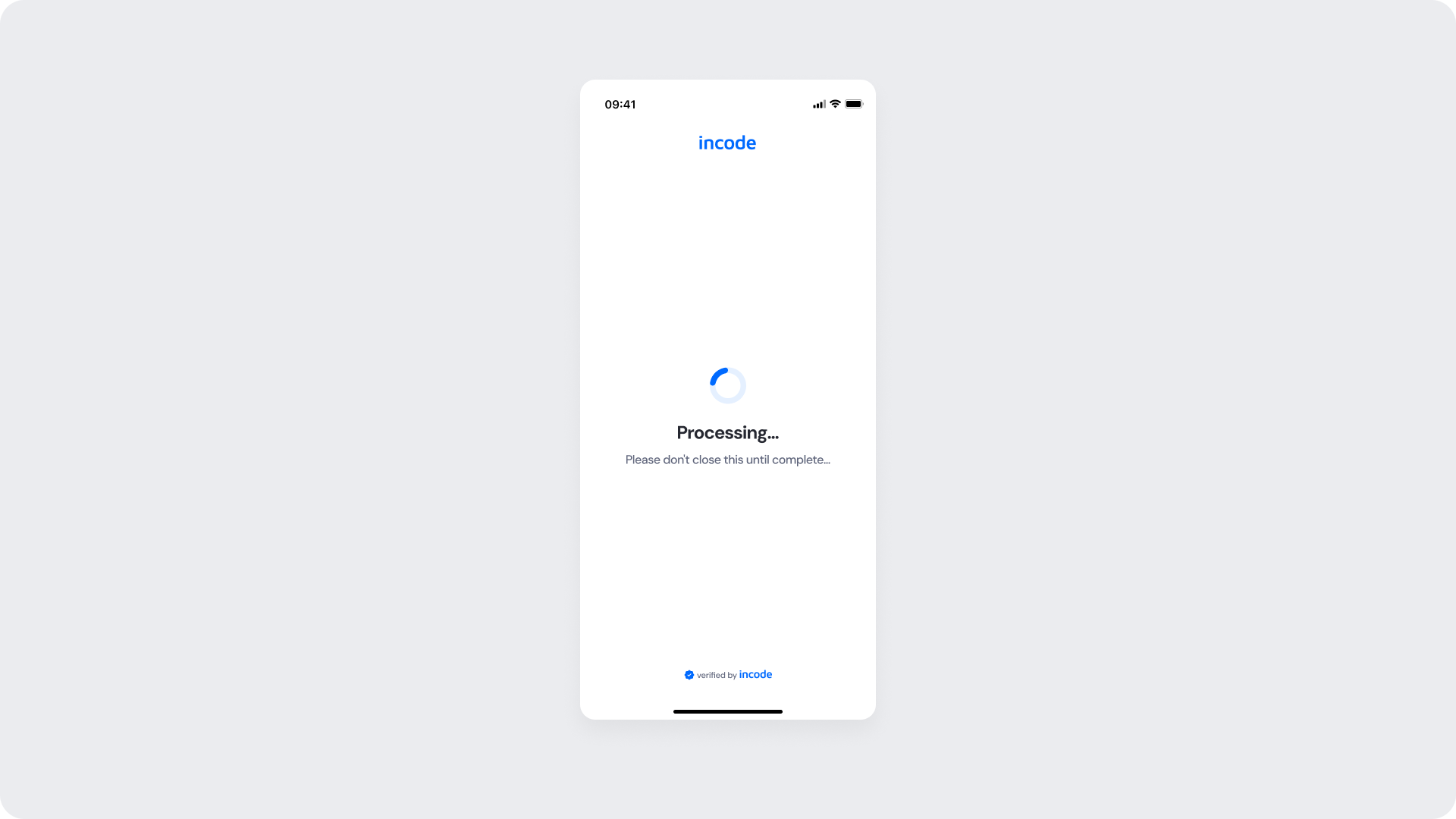
Create a password - Loading
A loading indicator and processing message communicate that the certificate issuance request is actively being processed. During this step, duplicate submissions and user interruptions are temporarily prevented to ensure a secure and successful certificate issuance experience.

Create a password - Processing
The screen displays a success indicator and confirmation message, communicating that the certificate has been successfully issued. This state confirms that the issuance process is complete and the user can proceed to the next step.
Create a password - Download certificate
The final state confirms that the certificate has been successfully generated and is ready for download. Users can review the confirmation message and download their certificate directly from this screen, completing the Certificate Issuance process.

Create a password - Done
The final state confirms that the certificate has been successfully downloaded and the Certificate Issuance process is complete. Users receive a clear confirmation that their certificate has been issued and saved, providing a successful end to the workflow.