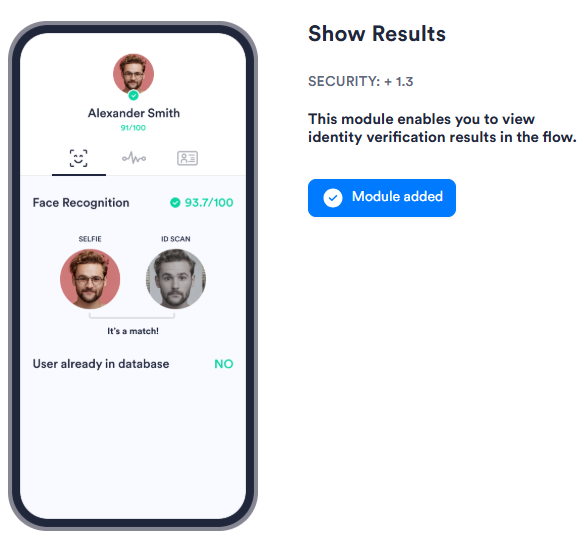
The Show Results module shows a screen summarizing the data captured during onboarding, including OCR fields, captured images, and identity scores. It returns an overall user score.
For an overview of this module and how it works, see Show Results.
Supported with:
:x: Workflows | :white_check_mark: Flows
Add Show Results to Flows
- In the left menu, click Flow Builder > Flows.
- Click New or select an existing Flow.
- On the Select Modules tab, find the Show Results module and click Add.
Configuration Options
The Show Results module has no configurable settings in the Dashboard configuration panel.